Work with local files and folders
Choose the files you need for a task. Organize downloads, analyze spreadsheets, or turn scattered research into a report.

Your AI coworker for Mac and Windows.
Get the QwenWork desktop app to work with local files and create reports, slides, web pages, and videos. Free to start.
macOS 14 or laterWindows 10 or later (64-bit)
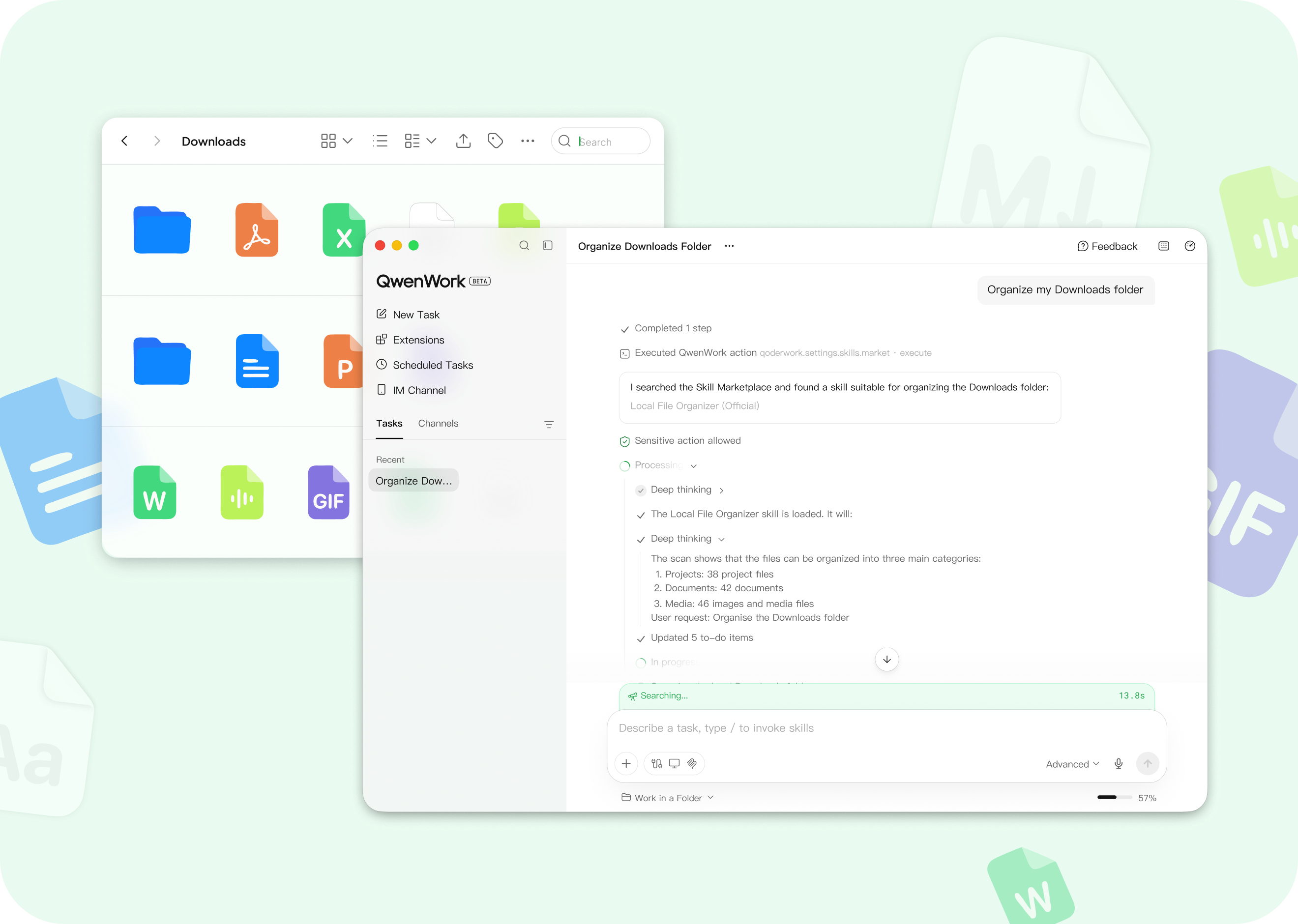
Bring AI into your local workflow, from source files to finished work.
Choose the files you need for a task. Organize downloads, analyze spreadsheets, or turn scattered research into a report.
Describe your goal and get a document, slide deck, web page, or video. Review the result and request changes in plain language.
Follow the task as it runs and review the output. Sensitive actions wait for your approval before QwenWork proceeds.
Learn what QwenWork can do on desktop.
On desktop, QwenWork can work with local files you select, automate browser actions, and use Skills or connectors to carry out multi-step tasks. Use the web app to get started without installation, or choose desktop for workflows involving local files and browser actions.
The desktop app is free to download, and QwenWork offers a $0 Free plan. The Free plan has usage allowances and limits. Paid plans are available when you need more capacity.
QwenWork can plan and execute multi-step tasks using local files and connected tools. For example, turn research materials into a report, analyze sales spreadsheets or organize files in batches. Describe your goal, select your materials and authorize connectors as needed. QwenWork brings files, Skills and tools together so you can review the work and results.
QwenWork can create documents and reports, slide decks, images and audio. Preview or download the results, then request changes in natural language. For example, turn research materials into a report, then build a presentation around the key findings.
Yes, you just need to tell QwenWork what to do and when, or create a schedule on the Scheduled Tasks page. Set up recurring work such as daily business briefs or weekly research digests, then review the process and results from each run.
Need help with your first task? Follow the QwenWork quick-start guide.
Start a task online with the web app. No download or installation needed.